Syntax highlighting library vs online tool: which should you choose?
Decide when to integrate a syntax highlighting library and when a browser-based export workflow is enough.
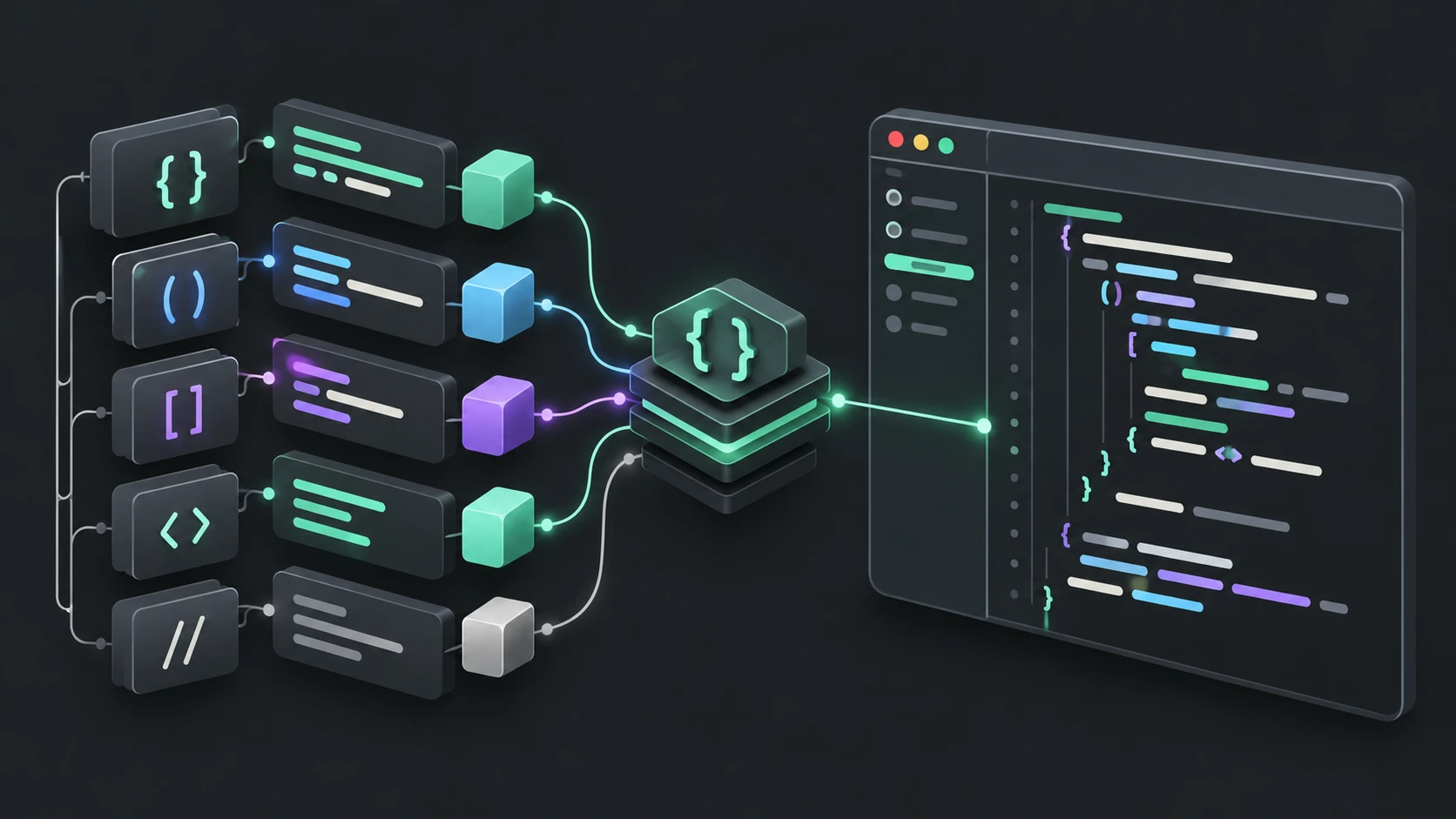
Separate an engine from an editor
A syntax highlighting library produces colored code as part of your application. An online tool adds an interface for preparing individual examples. Syntax Highlighter lets you prepare and export code examples without adding a library to your application.
Prism documents a CSS-based highlighting system with plugins. highlight.js supports web and Node.js use and offers automatic language detection. These libraries have their own installation, language support and extension models.
Which problem are you solving?
| Your task | Starting point |
|---|---|
| Highlight every code block in your site's build pipeline | A library or publishing integration |
| Create one styled example without changing your application | The browser tool |
| Add custom grammar or transformer behavior | Study the library's extension API |
| Produce both a screenshot and downloadable HTML | Prepare an example in a tool with both outputs |
The website exposes its bundled languages and themes in searchable selectors. It does not offer custom grammar uploads or automatic language detection. When importing a file, you still select the programming language. This distinction prevents library capabilities from being mistaken for implemented UI features.
Rendering time and privacy boundaries
A library can run during a build, on a server or in a browser, depending on your integration. In this website's workspace, highlighting happens in the browser and resources load on demand. That says where highlighting occurs; it is not a general claim about all website analytics, hosting or privacy practices.
The generated HTML does not need to tokenize code again. Inline output carries element styles; the other strategies ship a separate scoped stylesheet. Native folding works without a highlighting script in the destination document. Read the output guide before embedding it into an existing page.
Keep integration proportional
For an article with a handful of examples, an interactive editor can help you compare themes and line effects quickly. For frequently regenerated documentation, reproducible build integration may be the better investment. Keep original source under your own version control either way; a downloaded configuration file does not contain the source or automatically restore a session.
Official documentation reviewed October 17, 2026. No comparative performance benchmark is claimed. Open the browser tool or inspect its configuration reference.
Open the code highlighter · All guides · Articles and comparisons