
A Torchlight alternative for browser-based code presentation
Compare a server-side highlighting API with a browser workspace for focus, diffs, folding and portable HTML.
Choose by workflow, not a feature checklist
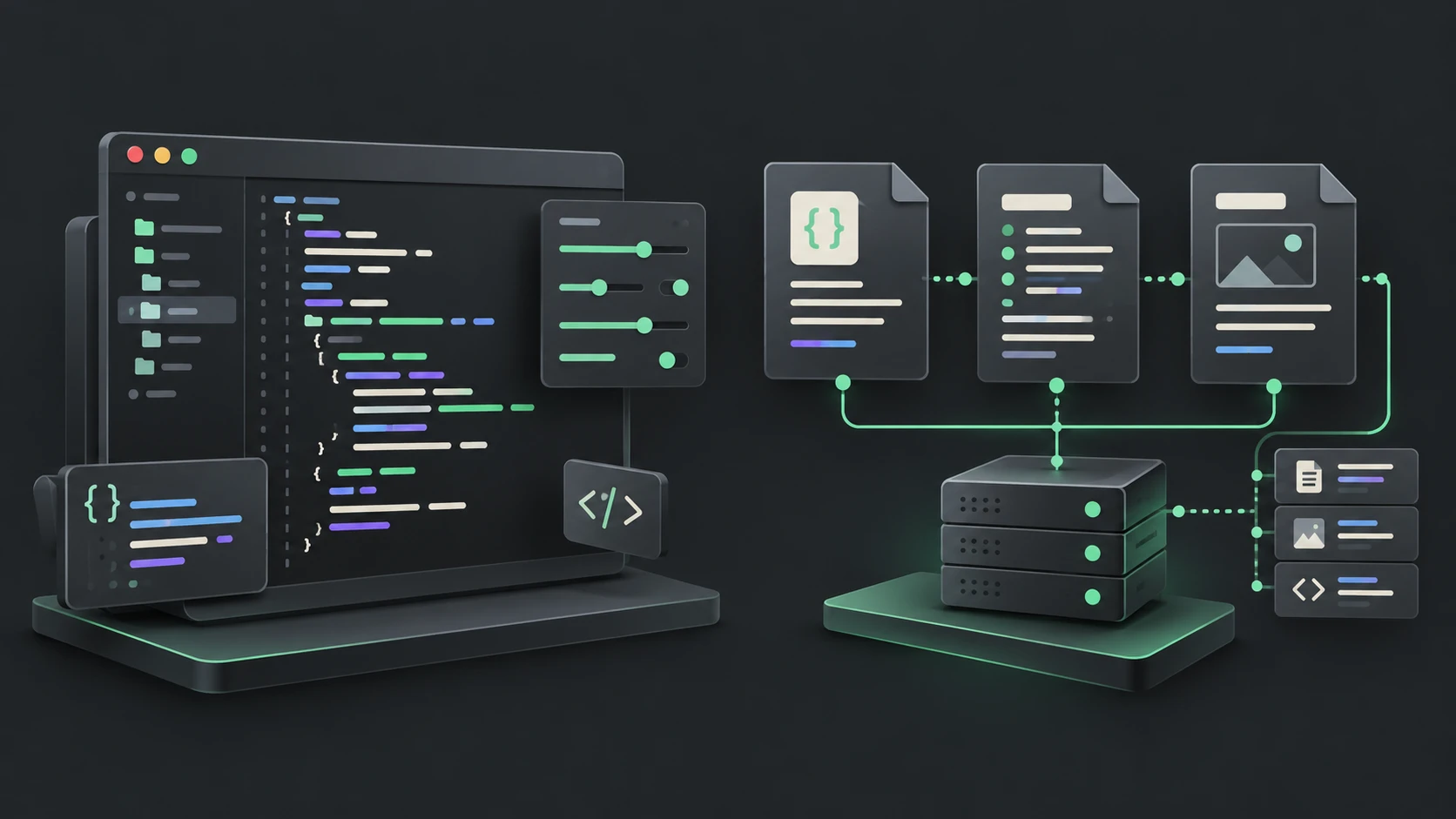
A Torchlight alternative makes sense when you want to prepare individual code examples without integrating a publishing API. Syntax Highlighter provides a browser workspace: paste source, configure presentation and export the result. Torchlight targets a different workflow. Its official overview describes backend API processing and publishing clients, with authoring annotations for effects such as focus, diffs and folding.
| Decision | Syntax Highlighter | Torchlight |
|---|---|---|
| Where highlighting happens | In the editor user's browser | Backend API, through its clients |
| How you specify effects | UI controls that update JSON | Documented configuration and source annotations |
| Primary workflow | Prepare and export a snippet interactively | Integrate highlighting into publishing |
| Code comments | Preserved as ordinary source | Recognized annotations can control presentation |
Similar visuals do not imply identical systems
This website supports line emphasis, focus, added/removed markers, line numbers, collapsible ranges and URL links. It is not a drop-in implementation of Torchlight's API or annotation language. Existing Torchlight comments are not interpreted here; configure source ranges with the controls. Read the line effects guide and JSON reference before migrating a styled example.
For a one-off tutorial, start with a small snippet and highlight only the lines your explanation discusses. Check contrast, keep change indicators enabled when color alone is ambiguous, and choose the output format your destination accepts. HTML export can carry inline styling or a separate scoped stylesheet.
If your requirement is automatic processing of hundreds of code blocks during a site build, evaluate an integration designed for that pipeline. This website currently offers no public batch API, CLI or JSON import UI. Conversely, a backend integration may be unnecessary when you only need to prepare one downloadable example.
Make a small migration trial
Use the same source and a similar theme in both workflows. Compare selected ranges, numbering offsets, fold summaries and the destination page's styling. Do not judge compatibility from a screenshot alone. Test the exported HTML in the actual CMS and confirm its handling of links and native folding.
Comparison checked on October 17, 2026 using the linked official documentation; this is a workflow comparison, not a pricing, speed or accuracy benchmark. Open Syntax Highlighter to try the browser workflow.
Open the code highlighter · All guides · Articles and comparisons