
Load source code, files and language examples
Paste code, import UTF-8 text files, search programming-language aliases and replace the editor with a matching example.
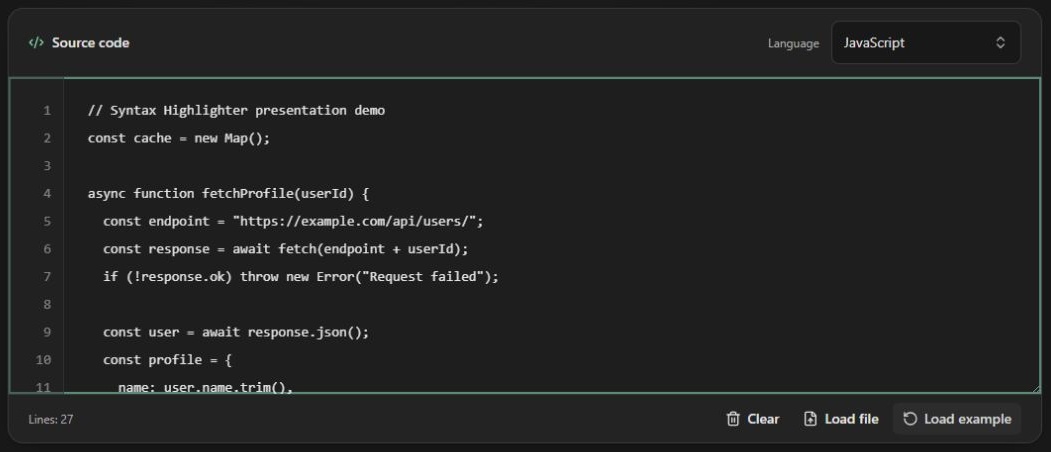
Screenshots show the English interface; controls are available in your selected website language.
Paste and edit
Paste into Source code. The line gutter follows vertical scrolling; long lines scroll horizontally without wrapping or changing your source. Drag the editor resize handle when you need more room. The line count reflects source lines, including blank lines; Clear empties the editor and preview.
Import a local file
Choose Load file, then select a non-empty UTF-8 text file no larger than 1 MiB (1,048,576 bytes). The browser reads it locally. CRLF and CR line endings become LF. Empty, oversized, unreadable and NUL-containing input is rejected; an error does not replace the existing source. File selection does not detect or change the programming language. Select the correct grammar yourself.
While a file is being read, typing, clearing, selecting another file or loading an example cancels the older read. This prevents a late result from replacing newer input. File reading is not an upload service or a code execution feature.
Search languages and aliases
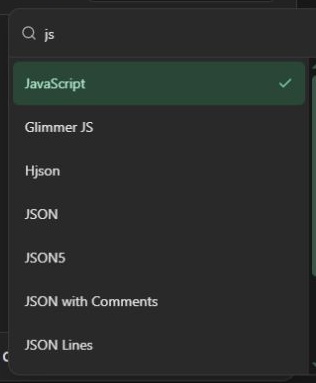
Open the language selector and search a name or alias such as Python/py or TypeScript/ts. Selecting a language changes the highlighting grammar and preserves the current source. Click Load example to replace it with that language's built-in sample. Aliases identify one language; they are not additional distinct languages.
Explore language cards
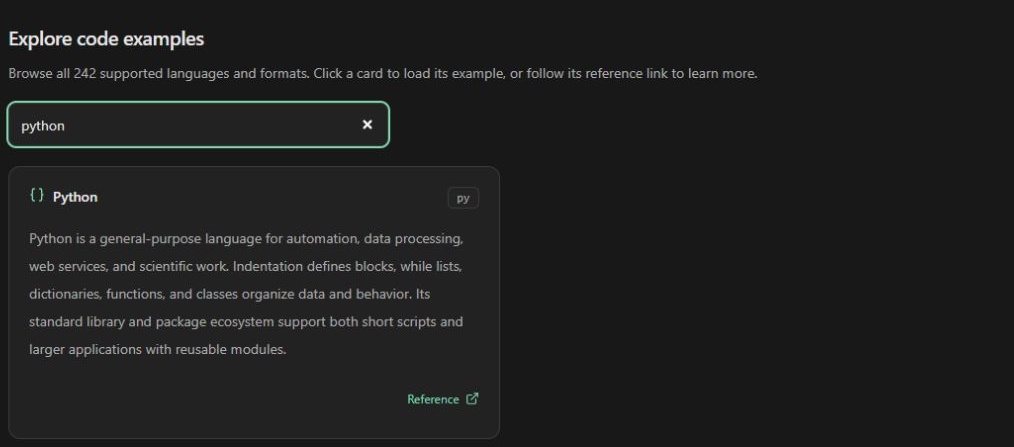
Search the gallery below the workspace. Clicking a card selects its language, loads its example and returns you to the editor. Reference links open external resources instead of selecting the card. Examples demonstrate syntax and are never executed by the tool.
Old links such as /ja/py lead to the Japanese homepage and select Python. A short-lived cookie carries the selection and is removed after initialization; the destination has no language query parameter. This is migration navigation, not a saved-session link.
Open the code highlighter · All guides · Articles and comparisons