
Code images vs HTML: choosing between Carbon, Ray.so and a code export
Choose a code screenshot or HTML block based on copying, accessibility, interaction and the place where you publish.
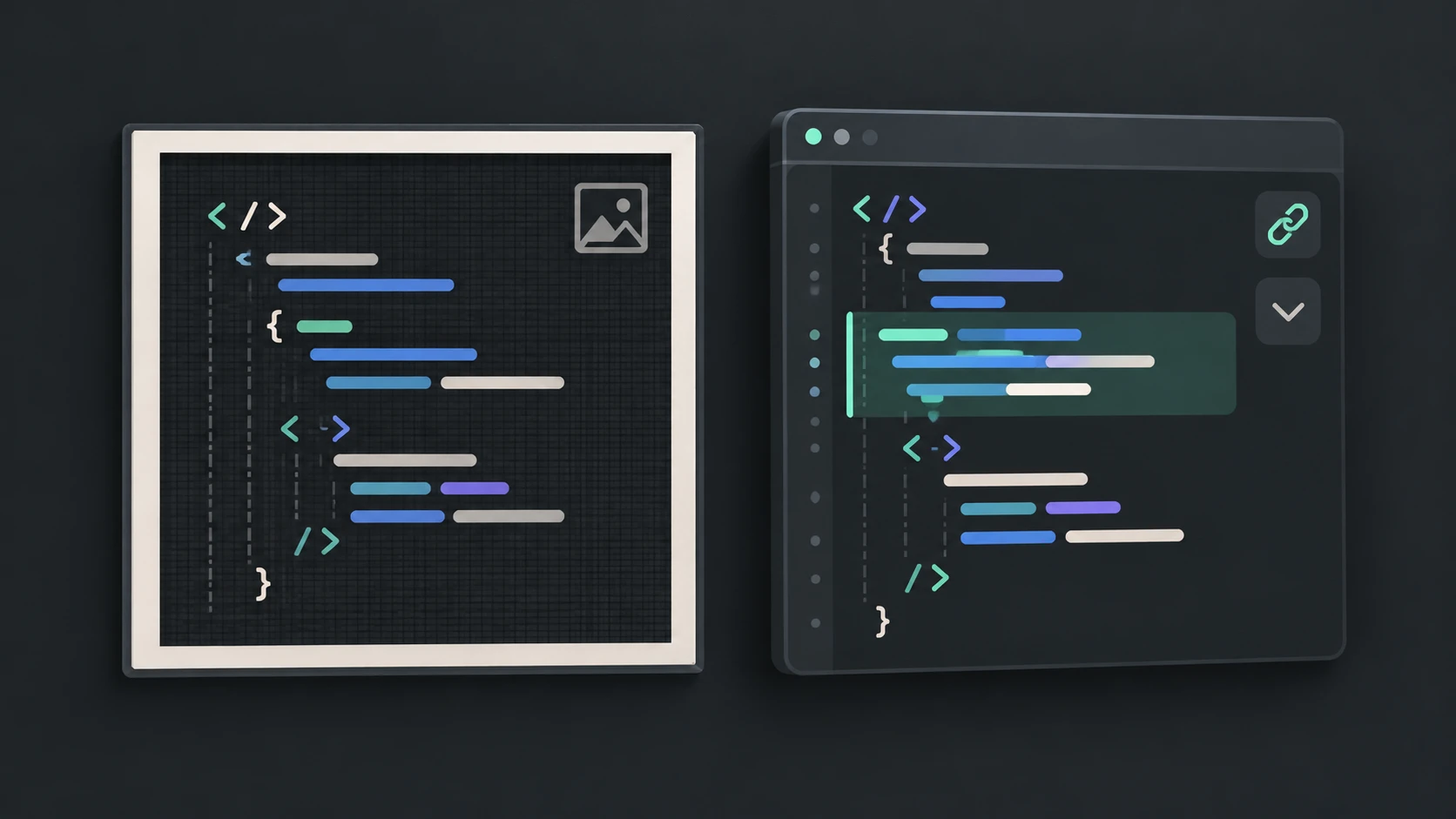
What should the reader be able to do?
Carbon centers its product on creating and sharing source-code images. Ray.so also presents a code-image export workflow. Those are useful reference points when choosing a visual asset. Syntax Highlighter combines an editable preview with PNG and HTML exports, so the same prepared example can serve different publishing needs.
Choose an image when the platform cannot render HTML or when a fixed visual belongs in a slide. Choose HTML when the reader should select text, follow a URL, expand a section or inspect long code in a scrollable area. A screenshot preserves pixels; HTML preserves a document structure.
A practical comparison
| Requirement | PNG image | Highlighted HTML |
|---|---|---|
| Stable visual layout | Fixed raster appearance | Depends on supplied styles and destination |
| Copy source text | Provide a separate text version | Text remains selectable |
| Folding and links | Static appearance only | Native folding and links can work |
| Long examples | Can become very tall or wide | Can scroll inside a bounded viewport |
| Accessibility | Needs meaningful alt text and often source text | Can retain text semantics and keyboard interaction |
Prepare once, publish deliberately
Use line emphasis and focus to guide attention, but remember that dimmed or folded text is not redacted. Remove confidential content before creating any shareable artifact. For PNG, expand sections that should be visible and consider reducing the example to its essential lines. The image export guide explains capture dimensions and folding state.
For documentation, prefer a selectable HTML example when readers need to run or adapt the code. Add a short explanation above it and describe changes in prose rather than relying only on colored backgrounds. A decorative image can accompany the article, but should not be the only source of important instructions.
Image filenames and discovery
Use a filename that describes the example, such as typescript-fetch-error-handling.png. Write alt text describing what the reader learns, not a list of repeated keywords. Neither a filename nor an image guarantees search traffic. Avoid separate thin articles for every export extension when they answer the same question.
Product pages reviewed October 17, 2026. This is an output-format comparison, not a claim that Carbon or Ray.so share every setting shown here. Prepare an example and choose HTML output when interaction matters.
Open the code highlighter · All guides · Articles and comparisons